
The story stays upstream
Every shot remains connected to a scene, beat, board, or approved intention—not just the prompt that produced it.
The system behind the studio
Ciaro Pro connects the brief, story, visual direction, characters, shots, edit, and review in one production. It is the professional platform behind Ciaro Studio—and it is available to filmmakers and teams building work of their own.
01
The story stays upstream
02
The world stays coherent
03
The finish stays in view
Why it matters
More material means more choices, more handoffs, and more ways for story, style, and continuity to drift. Ciaro Pro gives those decisions a shared home, so speed becomes useful instead of chaotic.
Every shot remains connected to a scene, beat, board, or approved intention—not just the prompt that produced it.
Characters, locations, references, and selected takes stay close to the scenes that depend on them.
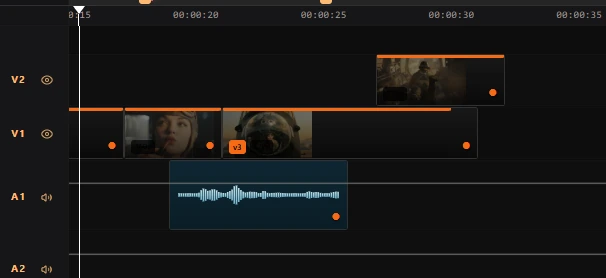
Shots are judged inside an edit, through review, sound, versions, and the realities of final delivery.
The workflow is not a conveyor belt. Each stage gives the team a better question to answer, while preserving the decisions that have already been made.
If you are comparing studios, start with how to hire an AI animation studio — what to ask before the pipeline demo.
Act 01
Turn an idea into a shared story, visual target, and sequence the team can actually produce.
01
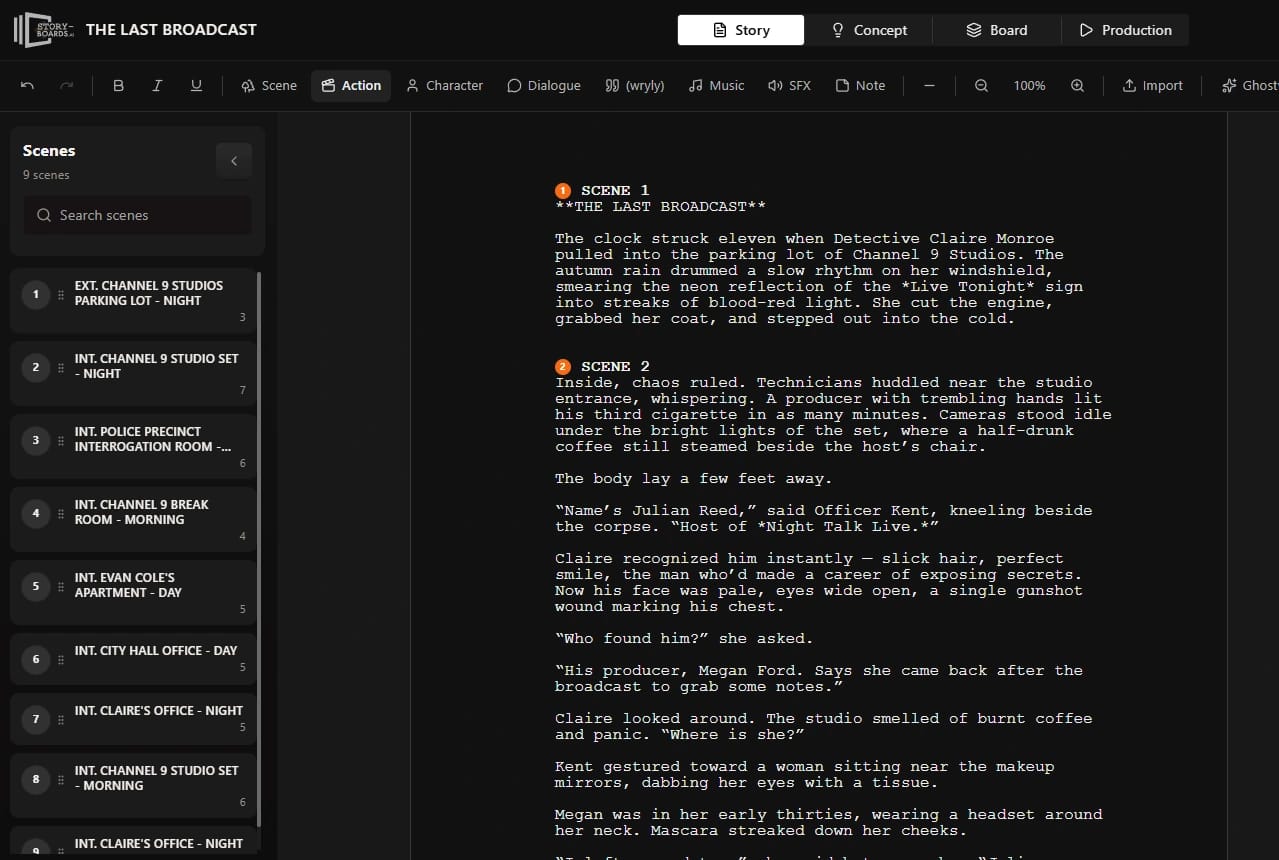
The workflow starts with story structure, not prompts. Scripts, scenes, dialogue, notes, and production markers give the team a shared production map before visual work begins.
02
Style frames, references, environments, mood, and visual rules stay tied to the project instead of scattered across decks, folders, and model histories.
Act 02
Keep the cast, locations, references, coverage, and selected material coherent as production expands.
03
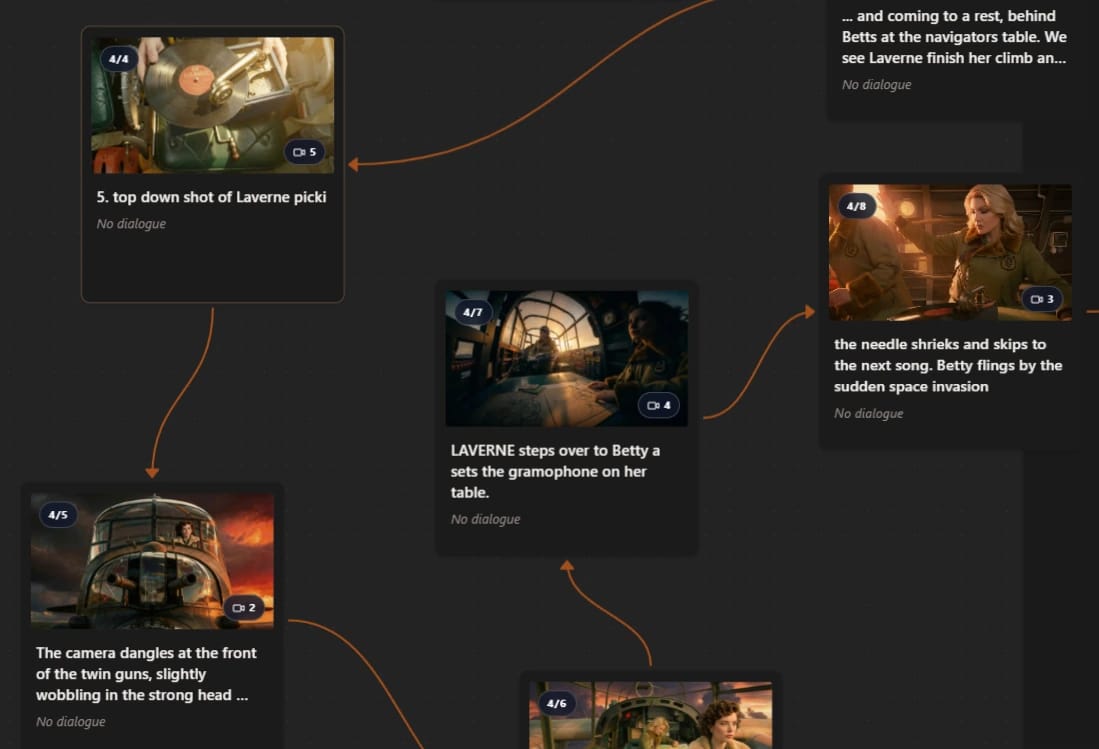
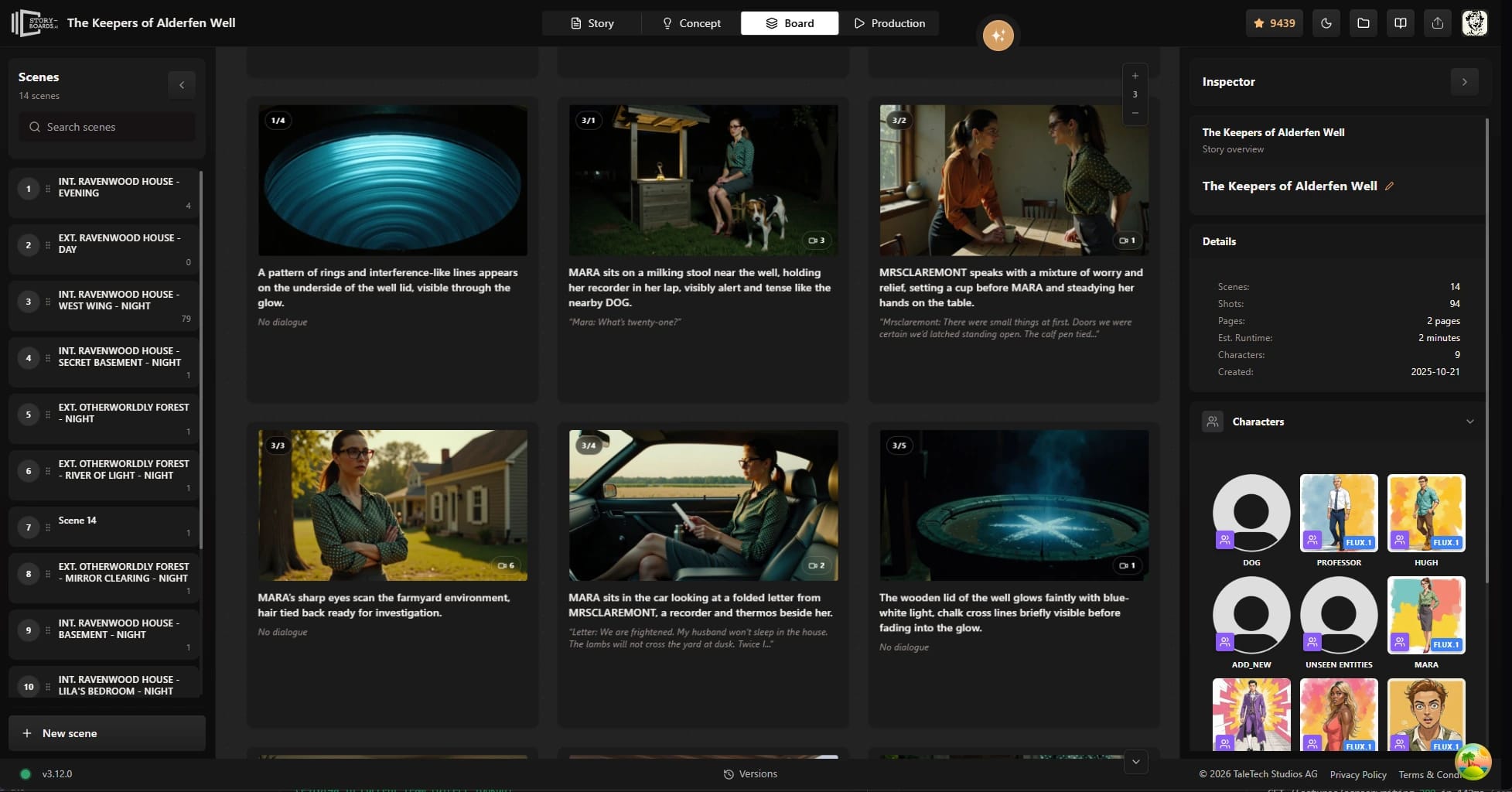
Storyboards and shot order help us decide what the scene needs before the expensive part begins: coverage, camera direction, pacing, and the visual beats that still need to work in the final edit.
04
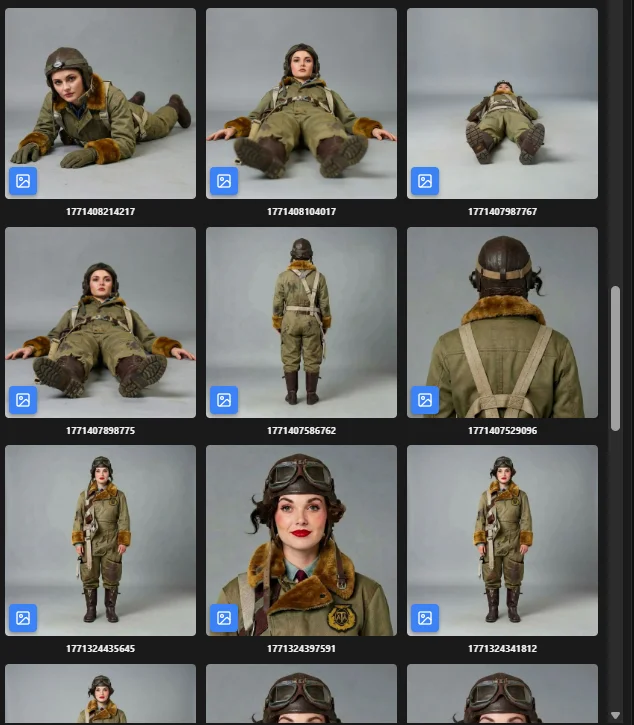
AI production quickly becomes fragile when characters, props, or environments drift. Ciaro Pro keeps references, variants, roles, and continuity notes close to the work that depends on them.
Act 03
Judge the work as a film: in the cut, through feedback, with sound, timing, and delivery in view.
05
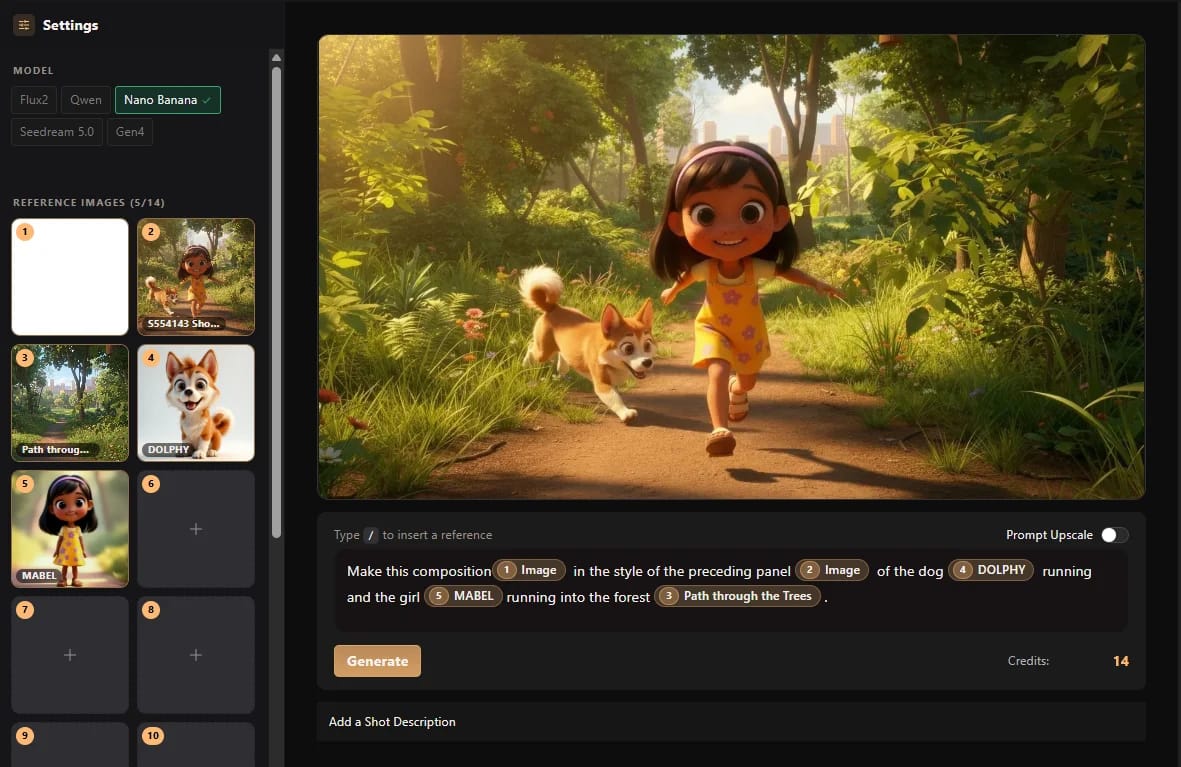
Generation is part of the production workflow, not a separate experiment. We compare, revise, and select shots based on the approved storyboards, references, and continuity rules.
06
Selected shots move into an edit timeline where pacing, transitions, sound direction, notes, and delivery versions can be judged as one film, not as isolated clips.
One system, two ways to work
Ciaro Pro and Ciaro Studio are distinct offers built around the same belief: AI becomes valuable when it participates in a real production, not when it sits in a separate prompt box.
For filmmakers and teams
Use the platform to write, plan, generate, edit, and collaborate on your own productions while keeping creative context connected.
Visit Ciaro ProFor clients and partners
Bring us the brief, story, launch, or world. Our creative network uses the same system to take responsibility for the finished film.
Start a project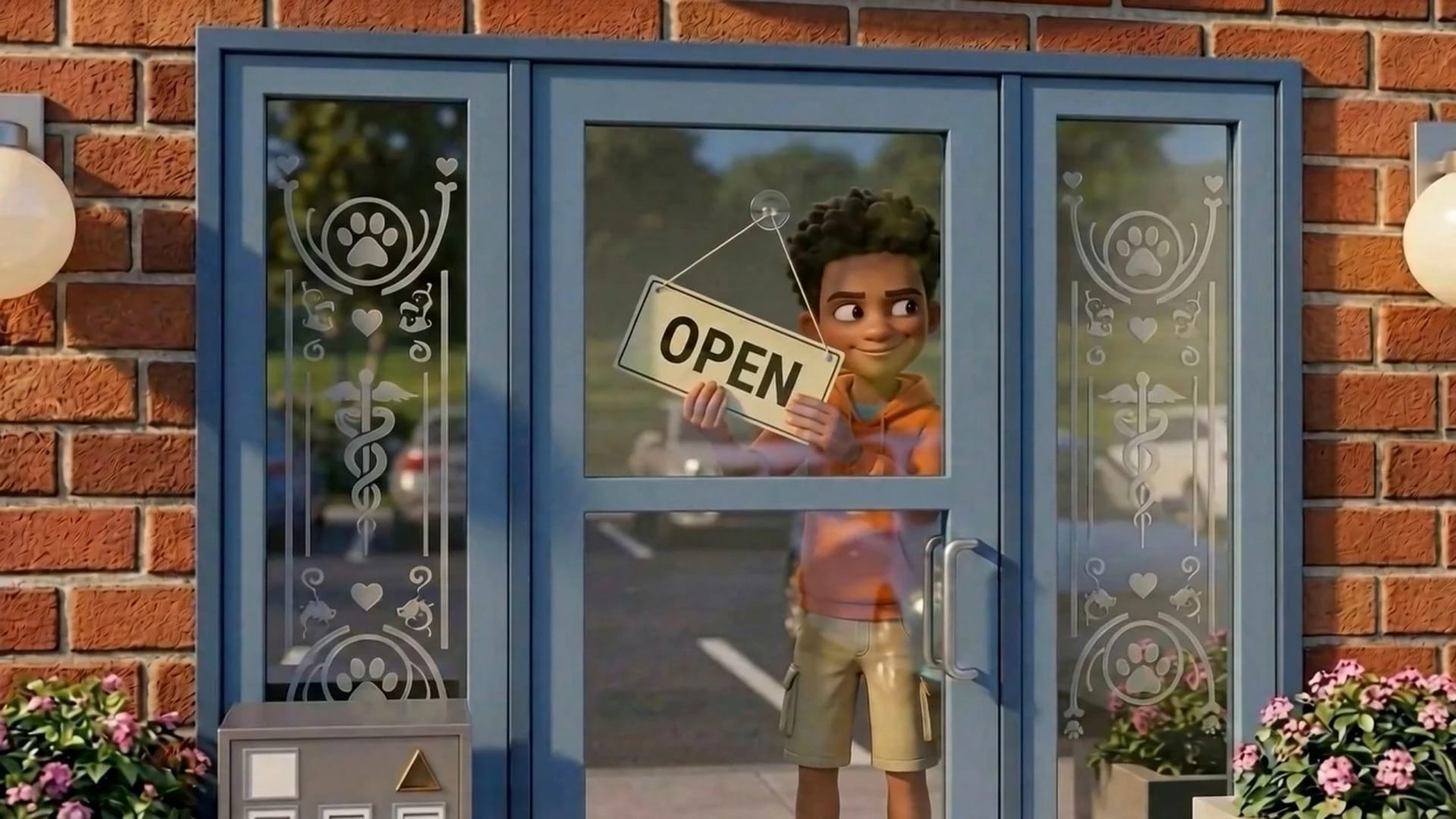
Biome Brigade · finished episodic production
What clients feel
Clients do not need to manage our tool. They experience what it changes: clearer scope, visible creative decisions, fewer continuity surprises, useful review moments, and one accountable path to the finished work.
Read the Biome Brigade case studyCiaro Pro is the tool behind the studio workflow. The best way to judge it is through the productions, case studies, and project formats it supports.