
Start With the Script Breakdown
The biggest failure mode in AI video production is starting with prompts before the script has been properly broken down. When that happens, teams burn credits on clips that may look fine on their own but fail as a sequence: continuity drifts, coverage gaps appear, and the edit loses clarity. A strong script breakdown for AI video comes first because it tells you what needs to be shown, in what order, and why each shot exists.
Think of the breakdown as the production blueprint for your pre production workflow. It is not just a creative reading of the script; it is the first pass that turns a screenplay into practical production units. Before image generation begins, the team needs to understand the scenes, beats, actions, locations, characters, and visual priorities that will shape the cut.
A lightweight first pass is usually enough to start. Don’t try to build a perfect stripboard-level document on day one. Read the script once for story and again for structure. Mark:
- Scene boundaries - Major actions and turning points - Characters present in each scene - Location changes - Inserts, props, wardrobe, and other production notes - Visual beats that must be seen on screen - Any transition or editorial moment that affects pacing
That first pass can be rough, but it should be consistent. Whether you build it in a spreadsheet, Notion, or a dedicated workspace, the format can vary as long as the team understands it. The goal is not a fancy template; the goal is a shared system that supports planning, review, and execution.
Break the Script Into Usable Production Units
A good scene breakdown starts by separating the screenplay into units the team can actually plan around. In AI filmmaking workflows, that usually means moving from:
- Scene - Beat - Action - Insert - Establishing shot - Coverage - Transition
Each of those elements gives you a different kind of planning target. A scene establishes context. A beat identifies a change in intention or emotion. An insert may become a close-up or detail shot. An establishing shot sets geography. Coverage determines what you need to protect in the edit. Transitions tell you whether the sequence needs a cut, a match, a wipe, or a more deliberate handoff.
This is where production thinking matters. If a scene contains a reveal, the shot list should reflect that reveal as a priority, not just as one more line item. If two characters exchange information that will be cut together in editorial, the breakdown should identify the needed coverage up front. If a prop drives the story, that insert should be flagged before you begin visual generation.
That logic is what keeps AI work grounded. You are not asking the model to invent a movie from scratch. You are translating the screenplay into a production package that can survive storyboard planning, animatic timing, and later editorial decisions.
Build the Shot List as a Production Document
Once the script is marked up, convert those notes into a shot list. The shot list is more than a creative checklist; it is a production blueprint that tells the team what is needed and why. A useful shot list usually includes some combination of:
- Shot number - Scene number - Shot size or framing - Camera angle - Movement - Lens intent - Subject or action - Insert detail - Editorial purpose - Production notes
You do not need every technical note on every line in the first pass. Keep it lightweight. Add camera angle, lens intent, movement, framing, or insert detail only where they help the plan. If a shot exists to establish scale, note that. If a close-up is there to preserve a performance beat or hide a transition, say so. If a shot must match a later reverse angle for continuity, mark it.
That is the practical side of a shot list: it helps you decide what to generate, what to reuse, and what needs human review before anything gets produced.
For teams using a connected screenwriting workflow, tools like Ciaro’s screenwriting software for film and animation can help keep script notes, scene tags, and production references organized before the shot list is built.
Review the First Pass Before Any Generation Starts
The first-pass breakdown should not drive generation immediately. It should be reviewed and edited by the director, 1st AD, or production lead before it becomes the source of truth. That approval gate matters because a rough breakdown is meant to expose the plan, not lock it prematurely.
This is also where collaboration matters. The shot list should be shareable and editable so department heads or creators can weigh in on what is missing, what is redundant, and what needs more specificity. The director may want a different emphasis on performance beats. The 1st AD may see a scheduling issue. A production designer may flag a prop or location requirement. That review loop saves time later because it catches problems before they become generated assets.
Manual breakdowns are tedious and error-prone, which is why many creators are already building script-to-shot-list systems in spreadsheets or Notion. That demand is real: teams need a more organized way to handle screenplay breakdown, stripboards, schedules, and shot lists as part of a broader pre production workflow.
Use AI-Assisted Breakdown Carefully
AI can help speed up the first pass by tagging cast, props, locations, wardrobe, and other production elements. That is useful, especially on longer scripts or fast-turnaround work. But AI-assisted breakdowns still require human review because context, continuity, and creative judgment matter.
A good way to think about this is strict mode versus creative mode. Strict mode follows production logic: identify what is on the page, tag the elements, and organize the breakdown consistently. Creative mode can suggest coverage ideas, visual alternatives, or storyboard directions. Both are helpful, but they should be separated so production logic does not get blurred by visual exploration.
That balance is important in any AI filmmaking workflow. The tool can help you move faster, but it should not replace the review process. The breakdown needs to be accurate enough for the team to trust it and flexible enough for creative refinement.
Protect Continuity Before You Generate
Continuity is one of the first things to drift when the workflow starts from prompts instead of a breakdown. Characters change appearance between shots. Locations shift subtly. Wardrobe details disappear. Props mutate. Even the visual style can wander if there is no shared reference point.
A structured shot list helps prevent that because it anchors every shot to the scene breakdown and to the production intent behind it. If a character’s jacket needs to stay consistent across three beats, the breakdown should say so. If a prop appears in an insert and returns later in the scene, that should be noted. If a location has a key spatial relationship, mark the angles that preserve it.
That continuity-first approach is why the shot list should come before storyboards, not after. The storyboard should reflect the breakdown, and the generated frames should reflect the storyboard. When the sequence starts from scenes, beats, and shot priorities, the result is much easier to edit into a coherent production sequence.
Then Move Into Storyboards and Downstream Generation
Once the breakdown and shot list are reviewed, storyboards can begin. This is where the plan becomes visual, but it should still be controlled by the script. The shot list informs storyboard planning by telling you what must be drawn, what needs coverage, and what needs special attention for editorial or continuity reasons.
From there, the workflow can move in a disciplined order:
1. Script 2. Scene breakdown 3. Shot list 4. Storyboard 5. Animatic 6. AI image generation 7. AI video generation 8. Editing 9. Sequence assembly
That order keeps story planning separate from image making, which is exactly what prevents waste. The storyboard gives the team a visual map. The animatic tests timing and rhythm. AI image generation then creates frames based on a plan, not a guess. AI video generation can extend those approved ideas into motion. Editing and sequence assembly bring the material back into a coherent cut.
If you want the shot list and storyboard to stay connected in one place, a dedicated production workspace can help. Ciaro’s storyboard software for film, animation, and commercial production is built around keeping shots, scene references, and assets tied together instead of scattering them across disconnected files.
Keep the System Consistent, Not Overly Complex
There is no single universal shot list format, and that is fine. Some teams prefer a simple numbered list. Others use columns for scene, shot, lens, movement, and notes. Some add stripboard references or production status. The key is consistency.
A shot list that the team can understand and use will always beat a “perfect” format that no one follows. Keep the structure stable enough to support planning, review, and execution. That consistency becomes especially valuable when you move into client approval, department head review, or iterative AI generation.
The practical test is simple: can everyone look at the shot list and understand what needs to be generated, what needs to be storyboarded, and what needs to be protected in continuity? If yes, the breakdown is doing its job.
Practical Recap
Before you generate anything, do the production thinking first.
- Read the script for scenes, beats, actions, and visual priorities - Mark scene boundaries and identify inserts, coverage, and transitions - Build a lightweight shot list with enough production detail to guide the team - Review the first pass with the director, 1st AD, or production lead - Use AI assistance for tagging and organization, but keep human review in place - Protect continuity across characters, locations, wardrobe, props, and style - Let the shot list drive storyboards, then animatics, then AI generation - Keep the workflow connected so scripts, shots, references, generated media, and edits live in one context
That is the difference between scattered AI clips and a real filmmaking workflow: start with the breakdown, keep the shot list disciplined, and let the visuals follow the plan.
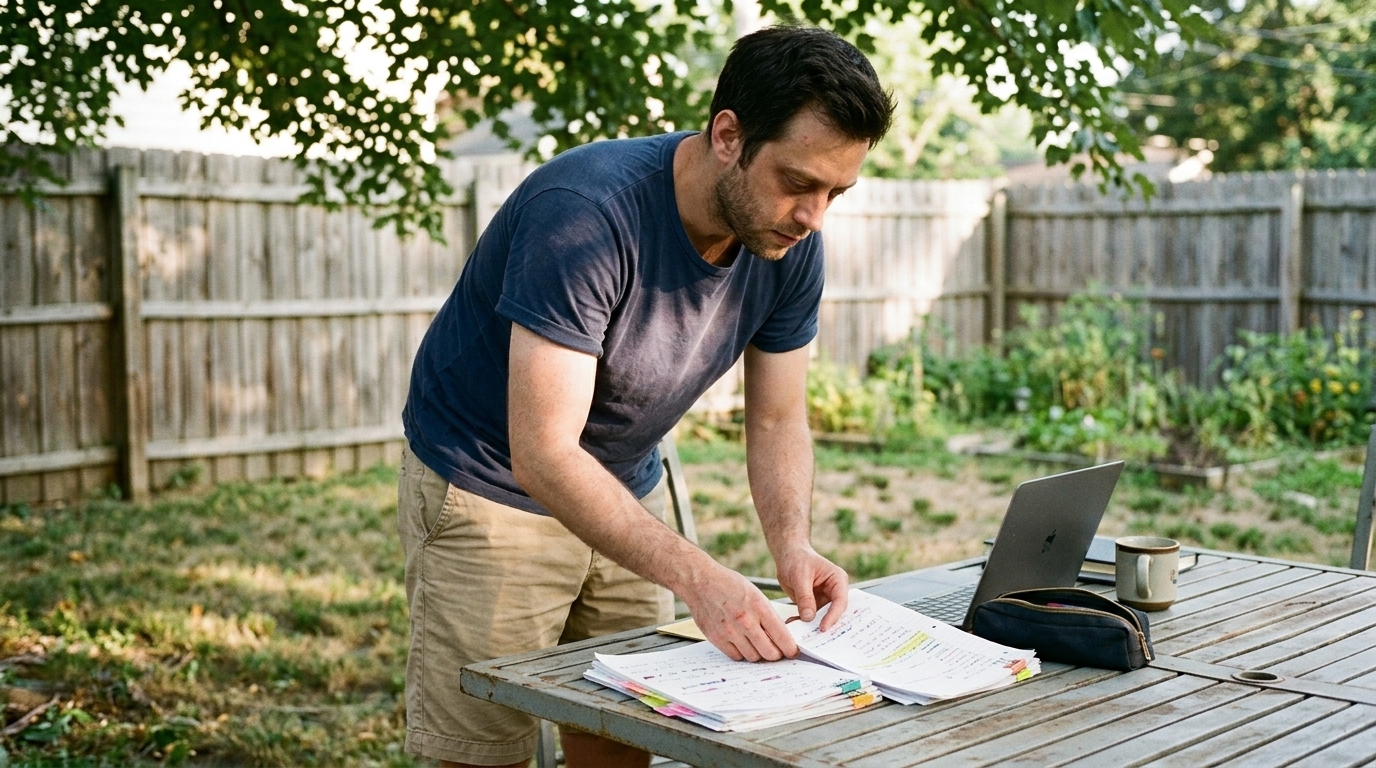
Translate Each Scene Into Visual Decisions
The costliest mistake in AI video production is generating isolated clips before the script has been properly broken down. If you start with prompts instead of a script breakdown for AI video workflow, you will usually pay for it twice: first in wasted credits, then in revisions when continuity falls apart. The fix is to treat the shot list as a production blueprint, not just a creative checklist.
A good shot list tells the team what must be shown, in what order, and why each shot exists. It bridges story planning and image making. That means the workflow should move in sequence: script → scene breakdown → shot list → storyboard → animatic → AI image generation → AI video generation → editing → sequence assembly. In other words, do the production thinking first, then generate.
Start with scene boundaries, then break down the beat structure
Before you choose camera angles or lens intent, mark the script into usable units. For AI production, those units usually include:
- Scene - Beat - Action - Insert - Establishing shot - Coverage - Transition
This is where the scene breakdown does the heavy lifting. You are not just labeling pages; you are identifying what needs to be seen on screen and what can be grouped together for efficient generation. A scene might contain multiple beats, one insert, a wide establishing shot, and a few coverage options that support editorial intent later.
That structure matters because AI tools are expensive when the plan is unclear. A strong breakdown reduces guesswork, keeps shots aligned to story purpose, and saves time when you move into generation or edit decisions.
Build the shot list as a production document
Once the script is broken into scenes and beats, translate each one into concrete visual decisions. A shot list can be structured in different ways as long as the crew understands it and the format stays consistent. Some teams prefer a simple spreadsheet, others use Notion, and some build a stripboard-style system. The format can vary; the consistency cannot.
At minimum, each shot should answer:
- What is being shown? - Why does this shot exist? - How close is the camera? - From what angle is it viewed? - Does the camera move? - What emotion or story beat is the shot carrying? - Are there continuity or production notes?
That is why a shot list is more than a creative wishlist. It is a practical production blueprint for coverage, sequencing, and review. It helps the director, 1st AD, or production lead see the plan before anything is generated.
Use lightweight shot fields in the first pass
Keep the first pass rough and production-focused. You do not need to overbuild it. Useful fields include:
- Shot number - Scene number - Shot size: wide, medium, close-up, insert - Camera angle: eye level, high angle, low angle, overhead - Camera movement: static, pan, tilt, push, pull, handheld, tracking - Framing or composition note - Emotional purpose - Editorial purpose - Production notes - Visual references
For example, a shot entry might read:
- Scene 4 / Shot 4A - Medium close-up - Slight low angle - Slow push in - Emotion: rising concern - Purpose: reveal reaction before the reveal insert - Note: maintain wardrobe continuity with previous scene
That is enough to guide storyboard planning without drowning the team in detail. If a shot needs lens intent, insert detail, or a specific transition note, add it. If not, leave it simple.
Protect continuity before you generate anything
Continuity is one of the biggest failure points when AI production starts from prompts alone. Characters drift, wardrobe changes, props disappear, locations mutate, and the visual style wanders between shots. A disciplined breakdown keeps those variables visible before generation begins.
That is why shot lists should include production elements such as:
- Cast - Props - Locations - Wardrobe - Lighting conditions - Story time or chronology - Visual style references
AI-assisted breakdowns can help tag these automatically, but human review is still required. Accuracy, context, and creative judgment matter. A model can tag a prop; it cannot always tell whether that prop is story-critical. A model can identify a location; it cannot always understand whether that location changes the emotional temperature of the scene.
This is where a balanced AI breakdown mode works best: let the system speed up first-pass organization, but require human approval before the shots drive generation. In practice, that means a director, 1st AD, or production lead reviews the breakdown, edits the shot list, and approves it before the workflow advances.
Separate production logic from visual exploration
A useful way to think about this is strict vs. creative mode.
- Strict mode: used for breakdown accuracy, continuity, and production logic - Creative mode: used for exploring visual alternatives, framing ideas, or stylistic options
Both are useful, but they should not be confused. Production logic tells you what must happen. Creative exploration helps you decide how to present it. Keeping those layers separate prevents a common failure mode in AI filmmaking workflow planning: style decisions overriding story needs.
Let the shot list inform the storyboard, not the other way around
Storyboards belong after the breakdown and shot list, not before. The shot list gives the storyboard its structure: what to draw, what to emphasize, and what must remain consistent across frames. That is especially important when the team is moving into animatic planning or reference generation.
In a connected pre production workflow, the storyboard becomes a visual expansion of the shot list. It can clarify staging, camera movement, and editorial rhythm before you spend time on AI image generation. From there, the same structure supports animatics, then AI video generation, then editing and sequence assembly.
For teams that want the planning and visual development to stay connected, a workspace like Ciaro’s storyboard software for film and animation can be a natural next step because it keeps shots, scenes, references, and assets tied together in one place.
Make the breakdown shareable and reviewable
The breakdown should not live as a private scratch document. It needs to be editable, reviewable, and easy to approve. That matters for collaboration because different departments read the same script through different lenses. Directors care about intent. Producers care about efficiency. Production designers care about locations and props. Editors care about coverage and transition logic.
A good shot list supports all of them.
This is also why many creators are manually building script-to-shot-list workflows in spreadsheets or Notion today: the demand is real, even if the process is clumsy. Teams want a cleaner way to manage screenplay breakdown, stripboards, schedules, and shot lists as part of a broader production package.
Use the shot list to reduce waste downstream
When the breakdown is solid, every downstream step gets easier:
- Storyboards stay on target - Animatics reflect actual coverage needs - AI image generation starts from defined visual references - AI video generation gets fewer vague prompts - Editing has a clearer sequence to assemble - Production notes remain traceable back to the script
That connected script-to-screen context is what AI tools often miss when they create disconnected assets. Filmmakers do not need random generated shots; they need a system where scripts, scenes, shots, references, generated media, and edits all remain in context.
Practical recap: script to shot list without losing control
Use this checklist for a first-pass breakdown:
1. Read the script for scenes, beats, and transitions. 2. Mark what must be shown on screen. 3. Break each scene into shot-sized units. 4. Add only the production notes that matter: size, angle, movement, framing, insert detail, editorial purpose. 5. Tag continuity items: cast, props, wardrobe, locations, style. 6. Review the breakdown with the director, 1st AD, or production lead. 7. Turn the approved shot list into storyboards. 8. Use the storyboard to guide animatics and AI generation.
That sequence keeps AI video production grounded in filmmaking discipline. It reduces waste, protects continuity, and turns scattered prompts into a coherent workflow built on scenes, coverage, and production priorities.
Build a Shot List That Matches the AI Production Workflow
The biggest failure mode in AI video production is generating isolated clips before the script has been properly broken down. If you start with prompts alone, you usually pay for it later in wasted credits, mismatched continuity, and a pile of shots that don’t cut together. A strong script breakdown for AI video comes first; visual generation comes after the story has been translated into scenes, beats, coverage, and priorities.
That’s why the shot list should be treated as a production blueprint, not just a creative checklist. It should tell the team what must be shown, in what order, and why each shot exists. When the shot list is clear, it becomes the bridge between screenplay planning and visual execution across the full workflow:
Script → scene breakdown → shot list → storyboard → animatic → AI image generation → AI video generation → editing → sequence assembly
Start with the script, not the generator
A usable pre production workflow begins by identifying scene boundaries and the smallest meaningful units inside them. Break the script into:
- Scenes: location- and time-based units - Beats: shifts in action, emotion, or objective - Action: what is happening on screen - Inserts: detail shots for objects, text, hands, or critical story elements - Establishing shots: geography and context - Coverage: the angles needed to tell the scene cleanly - Transitions: cuts, match cuts, wipes, or visual bridges
That first pass can be rough. It does not need to be pretty. It needs to be usable. In practice, a director, 1st AD, or production lead should review and edit it before it drives any generation. This approval gate matters because even a lightweight breakdown still needs human judgment around story intent, pacing, and continuity.
Many teams already do this manually in spreadsheets or Notion, which tells you something important: the demand is real, but the workflow is often fragmented. A more organized system should make the breakdown shareable, editable, and easy to review by department heads without losing production context.
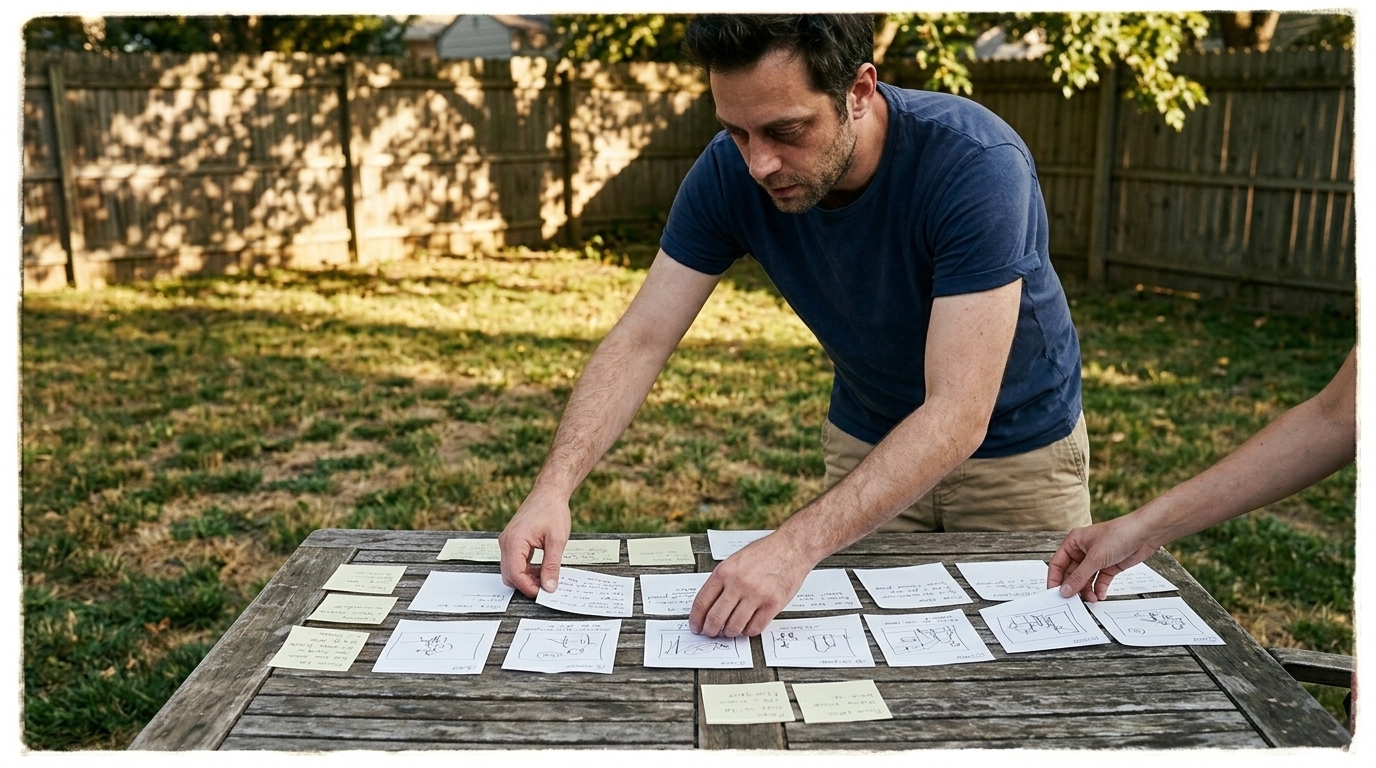
Use a consistent shot list structure
There is no single universal shot list format, and that’s fine. The format can vary as long as the crew understands it and it stays consistent enough to support planning, review, and execution. The goal is not to invent a complex template. The goal is to create a repeatable structure that keeps the production logic intact.
A practical shot list can include:
- Scene number / slugline reference - Shot number - Shot type: wide, medium, close-up, insert, over-the-shoulder, etc. - What happens in the shot - Story purpose / editorial intent - Camera angle or framing note - Lens intent when relevant - Movement: locked, pan, tilt, push-in, handheld, crane, etc. - Character / prop / wardrobe notes - Location or setup notes - Continuity notes - Visual reference / mood reference - Status: approved, in progress, needs review
For AI production, the most important thing is clarity. Keep the list concise enough to prompt from, but structured enough to iterate on. The first pass should be lightweight; overcomplicating it early slows the workflow and makes review harder.
A good shot list is also where you can add technical or production notes without turning the document into a novel. Camera angle, framing, insert detail, and editorial purpose are often the difference between a shot that is merely descriptive and a shot that is actually actionable.
Why the shot list saves credits and revisions
AI generation is expensive when the plan is unclear. If the shot list doesn’t define the scene logic, the team ends up generating variants to discover basic story decisions that should have been made in breakdown. That means more revisions, more rerenders, and more wasted time.
A disciplined shot list reduces guesswork by locking down:
- what the scene needs to communicate - which shots are essential versus optional - which assets must stay consistent - where continuity risks are likely to appear - which shots need to be generated first
This is especially important because AI tools can create disconnected assets very easily. A character can drift, a wardrobe detail can change, a prop can disappear, or a location can subtly mutate from one shot to the next. A clear shot list gives the generation process guardrails so the output stays editable and coherent.
Use the shot list to inform storyboards and motion tests
The point of a shot list is not to replace creative exploration. It is to contain it. Once the list is approved, the storyboard can interpret the plan visually, and the animatic can test timing before the team spends time generating finished assets.
That sequence matters because it keeps the filmmaking workflow organized:
- The script defines the story - The breakdown defines the production units - The shot list defines the visual plan - The storyboard defines the frame language - The animatic defines timing and pacing - AI generation creates the visual material - Editing assembles the sequence
If you want those stages to stay connected, a shared workspace can help. Ciaro’s AI assistant for film and animation production can support the early planning stage by helping organize notes, tags, and production decisions before generation begins, while Ciaro’s AI-powered editing and production workspace helps keep those assets moving through the later stages of assembly.
Practical example: one scene, several shot decisions
Imagine a scene where a character discovers a damaged prototype on a workbench.
A useful breakdown might identify:
- An establishing shot of the lab - A medium shot as the character enters the room - A close-up of the workbench - An insert of the broken component - A reaction shot that shows recognition - A final wide shot that resets the space
That breakdown immediately changes how you generate. Instead of asking the model for “a cinematic lab scene,” you now know which shots exist, which one carries the reveal, which insert is critical, and which angle must preserve continuity for the edit. That is the difference between random assets and a controlled ai filmmaking workflow.
Keep review, versioning, and approval visible
The breakdown should not stay trapped in a private draft. It needs to be reviewable, versioned, and visible to the people who make decisions. Directors care about story intent. Producers care about efficiency. Production designers care about continuity of space and props. Editors care about coverage and transitions.
A clean shot list gives all of them the same source of truth.
This is also why so many teams are building the same workflow in spreadsheets or Notion today: the need is real, even if the tooling is fragmented. The better the system, the less time the team spends reconstructing context after the fact.
Practical recap

If you want a shot list that actually supports AI production, keep it simple and disciplined:
1. Break the script into scenes, beats, and action. 2. Mark inserts, coverage needs, and transitions. 3. Convert each beat into a shot-sized decision. 4. Add only the production notes that affect generation or editing. 5. Review the list before generating anything. 6. Use the approved shot list to drive storyboards, animatics, and AI generation.
That process keeps the creative work grounded in production logic and prevents the most common AI video failure mode: generating first and planning later.
Final Takeaway
If you want better results from AI video, start with structure. A careful breakdown, a clear shot list, and a reviewed storyboard will always produce better output than a pile of disconnected prompts. The more the workflow resembles real production, the more usable the result becomes.
The principle is simple: plan the scene, protect the continuity, and let the visuals follow the script.